
See a real result before you upload anything
This is a made-up 5-slide deck placed into a made-up client template by the same engine and checks your decks go through, with "Don't use AI on this deck" ticked. Nothing here was edited by hand. Download every file and open it in PowerPoint yourself.
Download the sample
The review notes are the same PDF every customer can download next to their deck: what was checked, what was left out from the old design and what to look at on each slide.
Every slide, before and after
The checks found the same slide count (5 in, 5 out), no missing words (121 checked) and no missing or changed numbers (10 checked).
Slide 1: Title slide
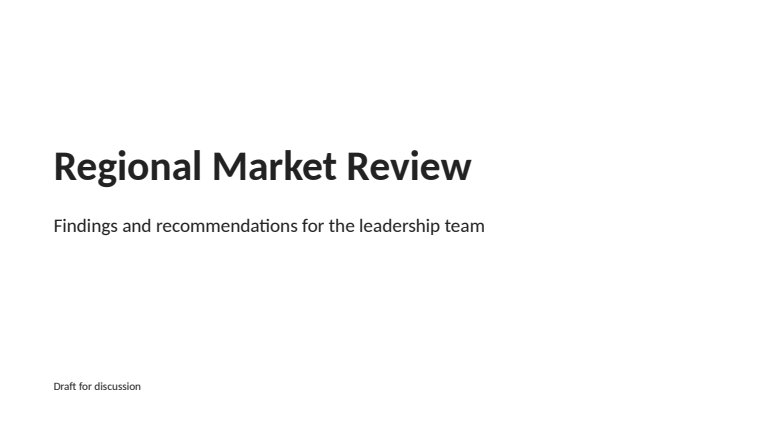
Before (the original) 
After (in the template) 13 words checked, none missing or changed.
Slide 2: Executive summary
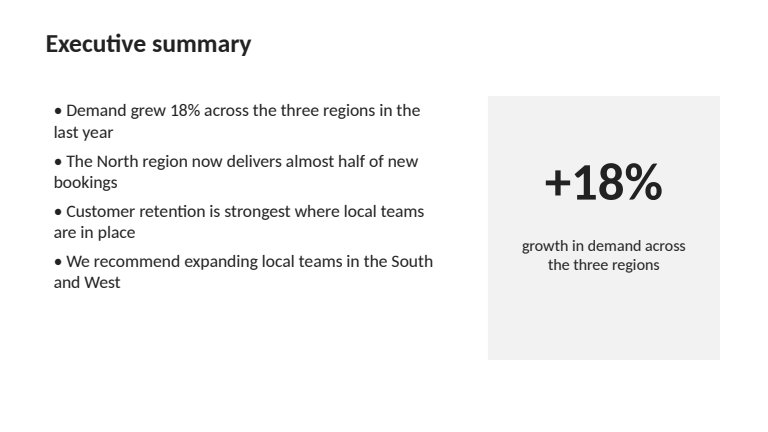
Before (the original) 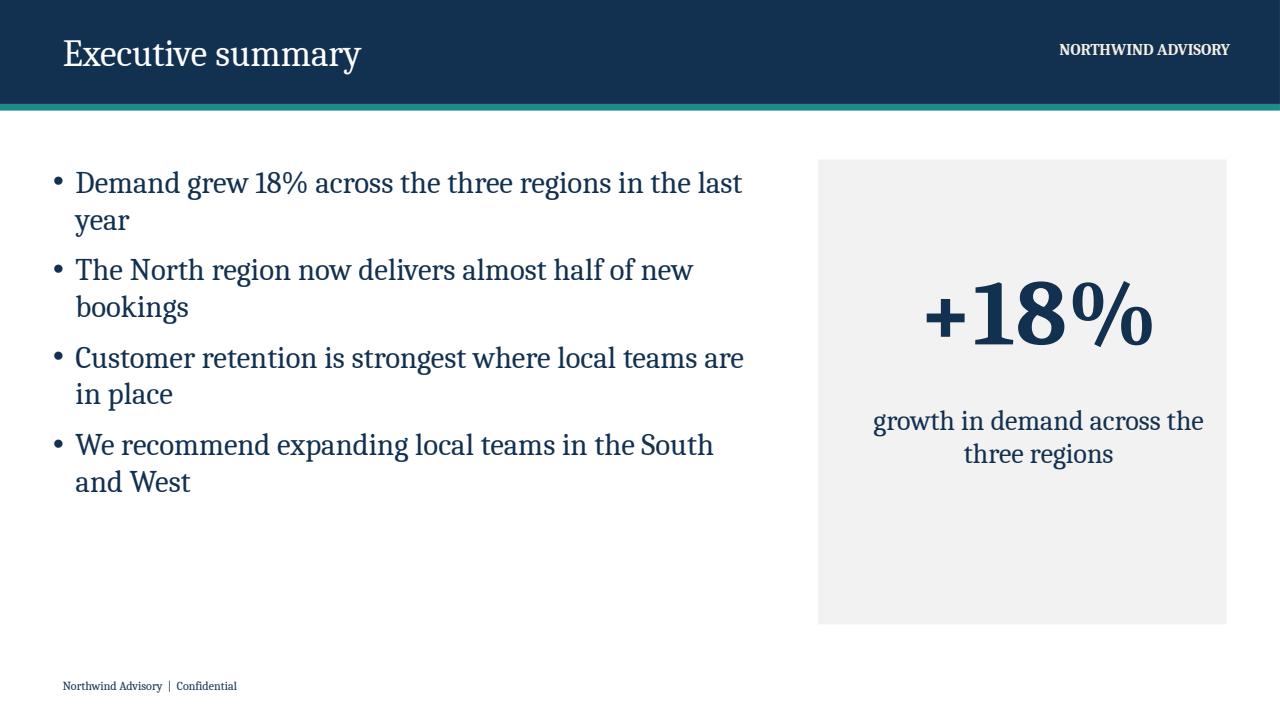
After (in the template) 51 words and 2 numbers checked, none missing or changed.
Slide 3: Bookings by region: an editable PowerPoint chart
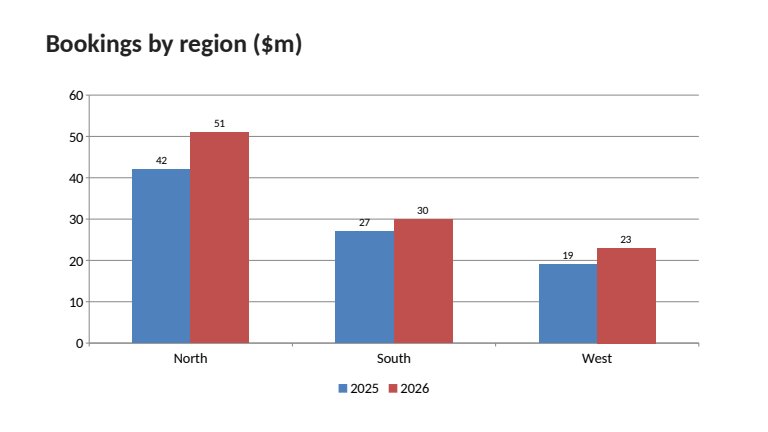
Before (the original) 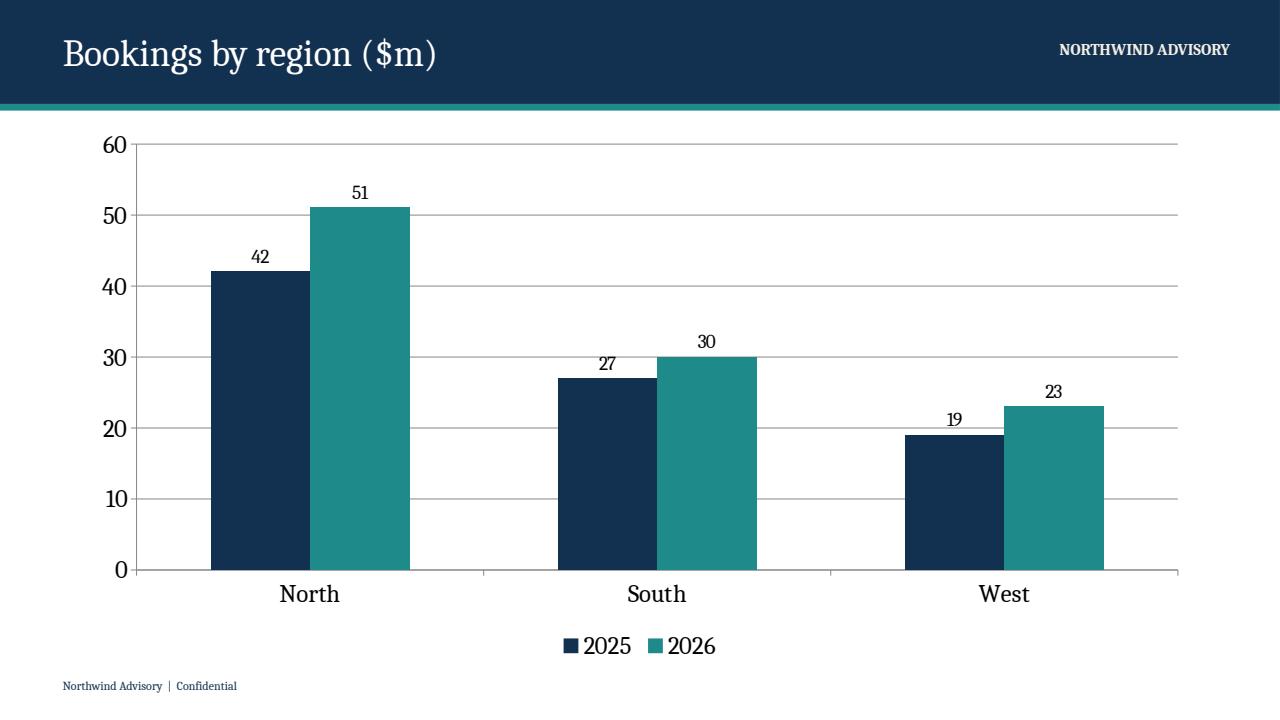
After (in the template) 9 words checked, none missing or changed. The chart's numbers stay editable in PowerPoint.
Slide 4: Regional scorecard: an editable table
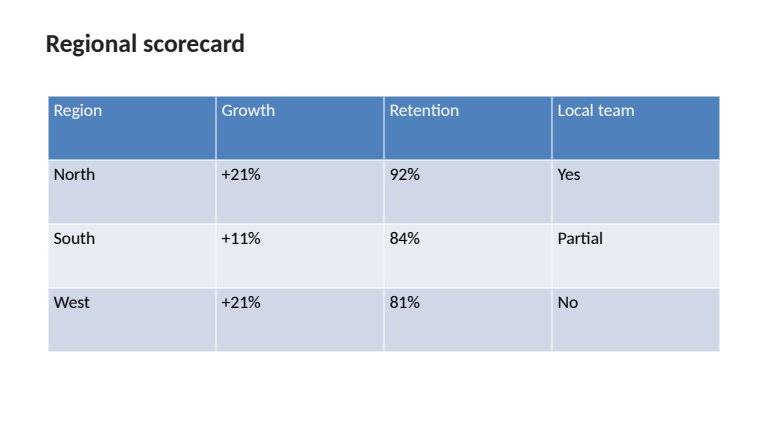
Before (the original) 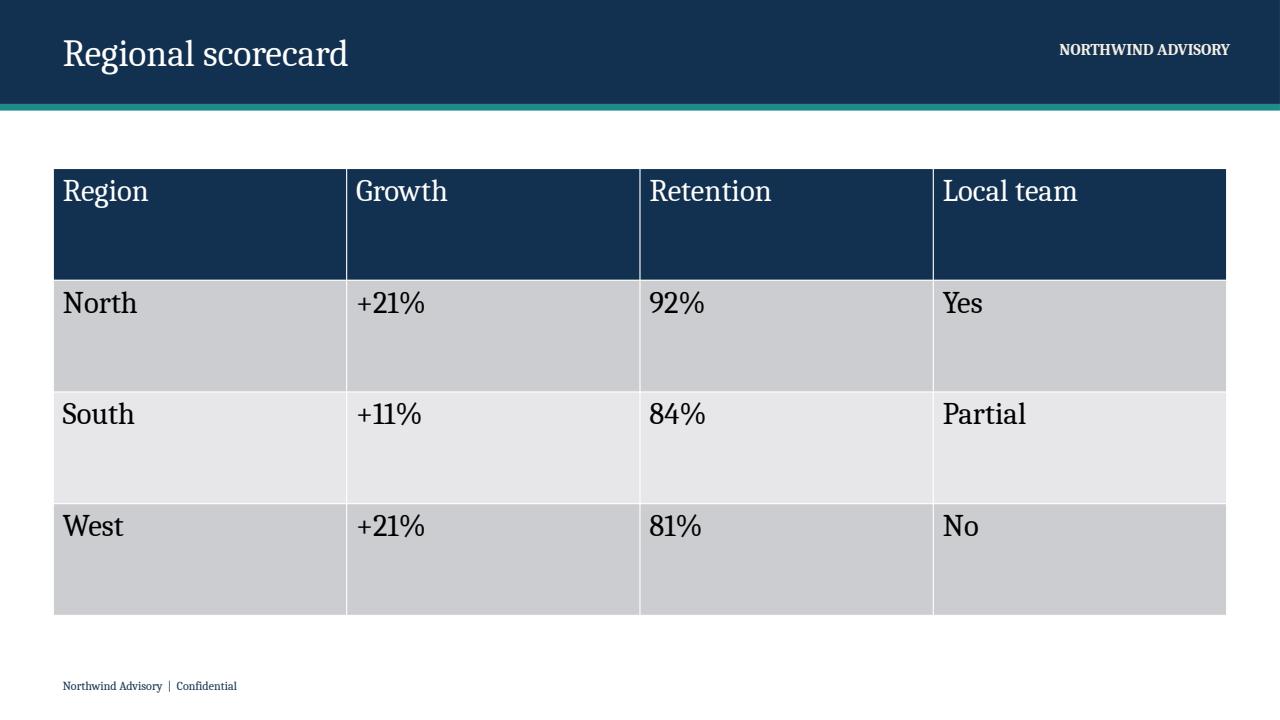
After (in the template) 19 words and 6 numbers checked, none missing or changed.
Slide 5: Recommended next steps
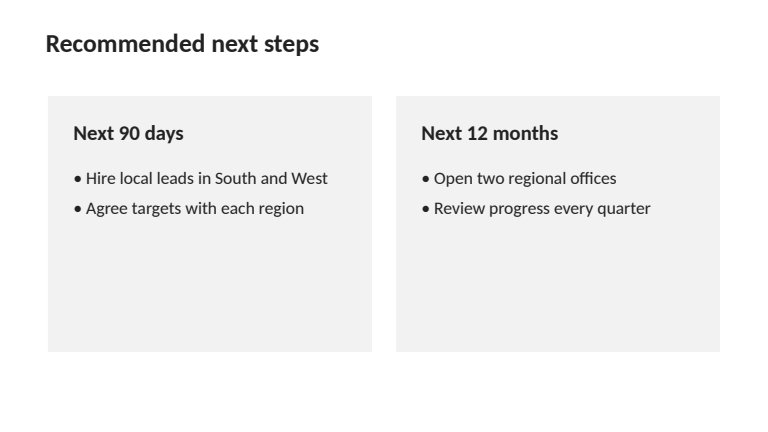
Before (the original) 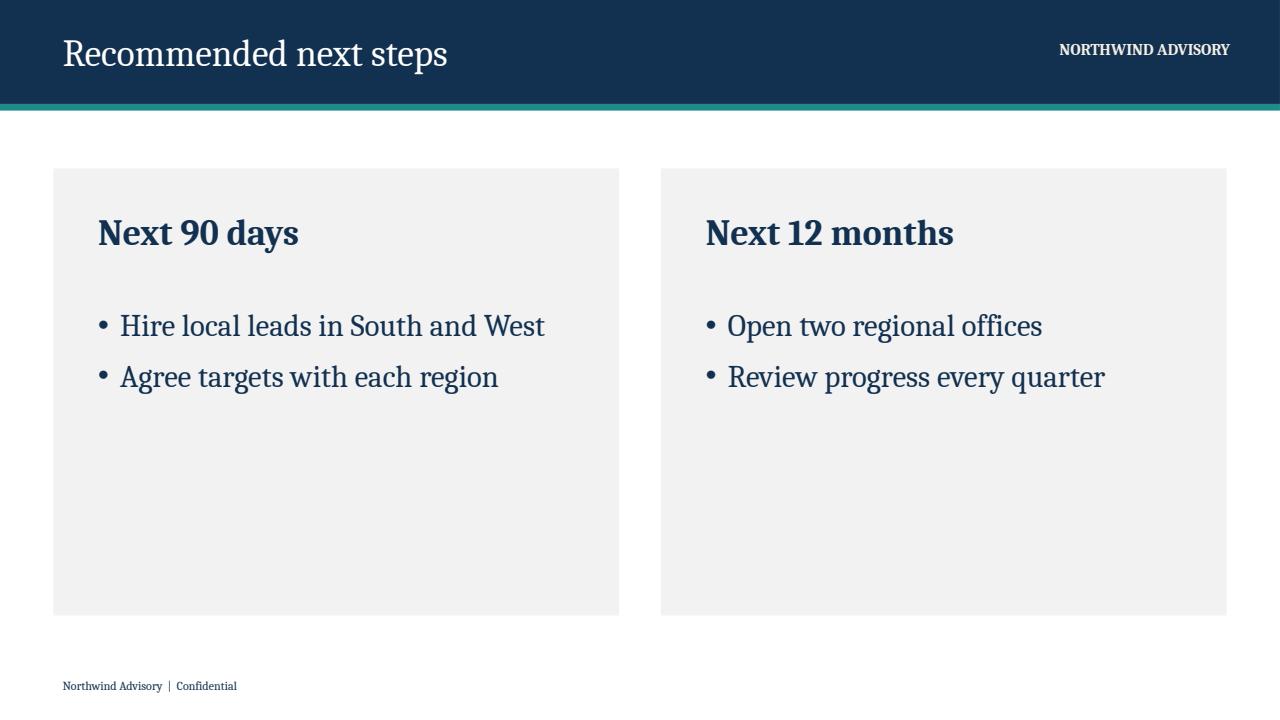
After (in the template) 29 words and 2 numbers checked, none missing or changed.
What a real deck looks like
This sample is short and tidy, so no slide was marked for a check. Real decks are messier: crowded slides, pasted pictures and charts from add-ins usually leave a few slides marked "Needs a look", and the review page and notes say which ones and why. The result is always a draft to review and finish in PowerPoint. See what this will not do.
Try it on one of your own decks
1 free credit · Up to 30 slides · No card needed. You see every slide before and after, and download the PowerPoint and the review notes.